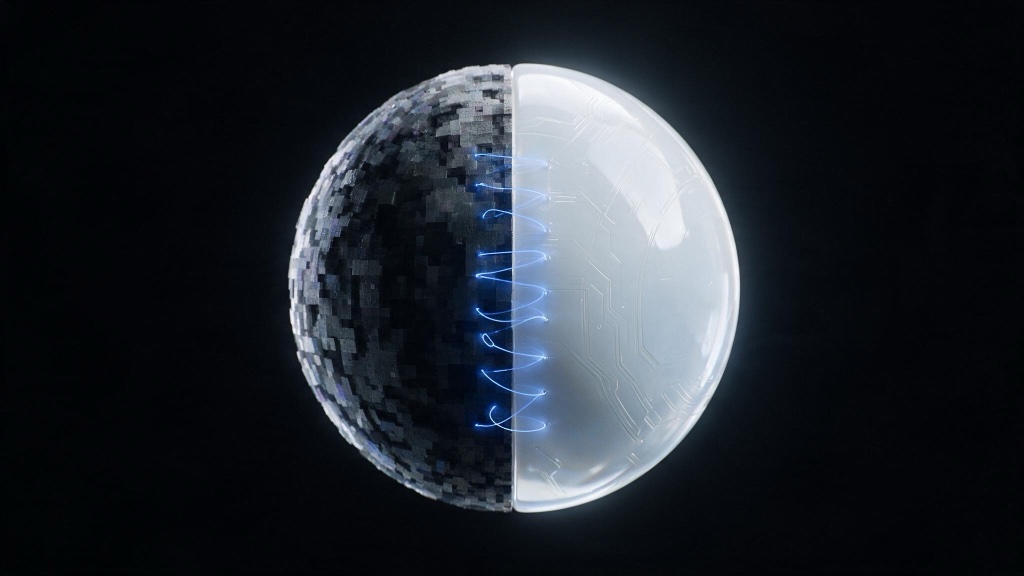
AI video upscaling does not recover detail your camera never captured. It synthesizes plausible detail conditioned on the low-resolution input, guessing what a sharper version of the frame probably looked like. That guess can be convincing at a glance and wrong at the level of a face or a line of text. Late in a pipeline, on footage that already holds up, it is a strong delivery step. Pointed at a bad plate, it invents evidence.
- An upscaler synthesizes detail; it does not recover it. Generative models invent texture by design, trading fidelity for sharpness.
- Video adds a problem stills do not have: a per-frame upscaler invents different detail every frame, so texture shimmers in motion. Video-native models condition across frames to hold it steady.
- Upscale last: after the edit is locked and the grade is finished, on the shots making the final cut. Earlier than that wastes compute and bakes artifacts into everything downstream.
- Faces at distance, on-screen text, fine patterns, and skin are where invented detail is most likely to show. Check those first, at full zoom, in motion.
Does AI upscaling recover detail?
Traditional upscaling, the bicubic or Lanczos kind built into any editor, only redistributes pixel information that is already present. It stretches existing values across more pixels, which is why the result looks soft: there was never more information to show. Generative upscalers work differently. A model trained on pairs of low-resolution and high-resolution frames learns what fine texture tends to look like at higher resolution, then generates new pixel information conditioned on your frame. Nothing in that process reads the original scene. The model matches your frame against everything it learned and renders its best guess.
That invention is the mechanism: it is how the model produces sharpness at all. Ask an upscaler for detail beyond what the source contains and it will supply some, confidently, whether or not that detail existed on set. Anyone building a production pipeline around generative tools needs the distinction early. The AI filmmaking guide covers where synthesis is an asset and where it is a liability across the whole workflow, not only at the upscale step.
What does invented detail look like?
The distinction is easier to see than to describe. The source is a 512 by 288 still of a street market at golden hour, small and soft on purpose. We upscaled it 4x with Bria’s increase-resolution model and cropped the center of the result. The crop on the left is that same region enlarged with plain bicubic interpolation instead: no model, nothing invented.
The source is generated rather than photographed, which matters for reading the comparison honestly. Seedream 5.0 produced it from one prompt, and we downscaled to 512 by 288 before either pass ran.


Why does video upscaling differ from image upscaling?
A still image only has to be plausible once. A video has to be plausible 24 or 30 times a second, and each of those frames has to agree with its neighbors. Run a still-image upscaler on every frame of a clip independently and each frame invents its own version of the fine texture: a fence, a sweater weave, a distant crowd. The choices differ slightly frame to frame because nothing tells the model what it decided one frame ago. The result is a flicker, or a boiling texture, most visible in exactly the areas an upscaler is meant to help: fine, repeating detail.
Video-native upscalers solve for this by conditioning on a window of neighboring frames instead of one. The model carries information across time, so an invented texture in frame 40 resolves the same way in frame 41. That frame-to-frame agreement is called temporal consistency (see the glossary), and it is the axis image upscaling never has to solve. Tools made for footage, such as Topaz Video AI, are built around this temporal step; running a still-image upscaler on a video frame by frame skips it, no matter how strong that upscaler is on a single frame.
When should I upscale in my video workflow?
Sequence matters more than settings. Upscaling is a rendering-heavy, one-way step: once it has invented texture into a frame, that invention is baked in, and every tool downstream treats it as source. Do it too early and you pay twice: once in compute, once in the artifacts you now have to grade and cut around. The order that holds up in production:
- Cut the edit at a working or proxy resolution. Trim before anything gets the expensive pass.
- Grade for color and contrast on the cut. Grading changes the pixel values the upscaler will condition on, so it has to happen first.
- Lock the picture.
- Upscale last, and only the shots making the final cut.
- Deliver.
Upscaling before the edit is the common mistake, and the diagram below shows why it fails. You spend the heaviest compute step on footage that may never survive the cut, and any artifact the upscaler invents now sits under a grade that has to work around it. The full production sequence, from generation through delivery, is covered in the AI filmmaking guide.
What does AI upscaling fix well?
3 cases hold up consistently in production. Soft, undersampled renders: a 3D render finished at a lower resolution than the delivery spec, where the upscaler has clean, if soft, source information to work from. Compression mush: web-sourced or heavily compressed archival footage, where blocking and ringing artifacts are muddying detail that was captured at a higher bitrate. And straightforward resolution targets: a locked master finished at 1080p that a client or platform now needs at 4K, with no reshoot available. In each case the upscaler fills in around information that exists rather than fabricating a scene from nothing.
Desktop tools for this step include DaVinci Resolve’s Super Scale for finishing masters, and, on the playback side, NVIDIA RTX Video Super Resolution for upscaling on the fly during playback rather than baking a delivery file.
Where does AI upscaling break?
The failure modes cluster in the same 4 places every time.
- Faces at distance: a background actor or a face caught small in frame gets upscaled into more resolved features, and the model’s best guess can drift into a different bone structure or expression than the one on set. The shift is easy to miss on a still and hard to miss once the wrong face is the sharp one.
- Text and logos: signage, subtitles baked into a plate, and brand marks get rewritten rather than sharpened. The model doesn’t have the specific typeface; it has a strong prior for what letters generally look like, and it renders that prior. The result reads as text at a glance and falls apart under any scrutiny.
- Fine, repeating patterns: houndstooth, chain-link fences, brick, a distant crowd. These trigger moire in traditional upscaling and invented weave in generative upscaling. Neither is what was on the plate.
- Skin: pushed too far, skin resolves into a uniform, plastic smoothness. Pores and texture get invented evenly across the face instead of following the variation the lens captured, and the result reads as synthetic before anything else does.
All 4 sit at the inventive end of one trade-off. Read that axis and you can predict where a pass will fail before you run it.
How do you evaluate an upscale honestly?
Judge an upscale the way a colorist judges a grade: at scale, in motion, on the areas most likely to break.
- View at 100% zoom, never a scaled-down preview. Artifacts that are obvious at full size disappear at fit-to-window.
- Check faces and any on-screen text first. These are the fastest tell for invented detail, and the first place a client will look too.
- Scrub through motion instead of judging a still frame. Shimmer and temporal drift only show up in playback; a single frame can look sharp and clean while the sequence around it flickers.
- Compare against the source at matching zoom, side by side, before signing off.
- Treat any creativity or denoise slider as the fidelity-invention trade from the axis above. Lower keeps the result closer to source and softer; higher buys sharpness and spends it as risk in those same 4 places.
Upscaling is one step in a stack that also runs text-to-video passes in tools like Runway or Kling, then cut and grade. Those steps are converging under fewer, larger models; the everything-model piece traces that shift. The sequencing discipline holds either way.
Questions creatives ask
Does AI upscaling recover detail? No. It synthesizes plausible detail from patterns learned in training, conditioned on the low-resolution frame, not from information the camera or renderer captured. Traditional interpolation only redistributes existing pixel values, which is why it stays soft. A generative upscaler adds texture that looks convincing, which is why the result can be sharp and wrong about what the scene contained.
When should I upscale in my video workflow? Last: after the edit is locked and the grade is finished, and only on the shots making the final cut. Upscaling earlier wastes compute on footage that might not survive the cut and bakes invented artifacts into a plate that every later pass then has to work around.
Why does my upscaled video shimmer? Shimmer is the signature of a still-image upscaler applied frame by frame to a moving shot. Each frame invents its own version of fine texture independently, so patterns and edges disagree slightly from one frame to the next. Video-native upscalers condition on a window of neighboring frames instead of one, which is what holds invented detail steady across time.
What should I check before trusting an upscale? View the result at 100% zoom, never a scaled preview, and check faces and any on-screen text first, since identity drift and rewritten glyphs show up there before anywhere else. Then scrub through motion rather than judging a still, since temporal shimmer only appears in playback, and compare directly against the source before you sign off.